
VINE Coverage in Tuscarawas County
VINELink is the online face of Ohio VINE. A toll-free phone line and the VINEmobile app carry the same service. The Ohio Attorney General notes that participating county jails, the Department of Rehabilitation and Correction, and the Department of Youth Services can all send events into it. County events cover release, transfer, escape, or death. State corrections adds parole hearings and revocation notices.
The state's material names no Tuscarawas County roster URL. Nor does it promise that every local booking shows up. Participation shifts over time, so use VINELink's live Ohio selector to check current county availability. The VINELink state-selection screen opens with a jurisdiction choice, and Ohio is where a Tuscarawas search begins. Keep the tool's limits in mind. VINE reports on one person in custody, and it is not a county arrest list, a warrant search, a court docket, or a booking-photo gallery.
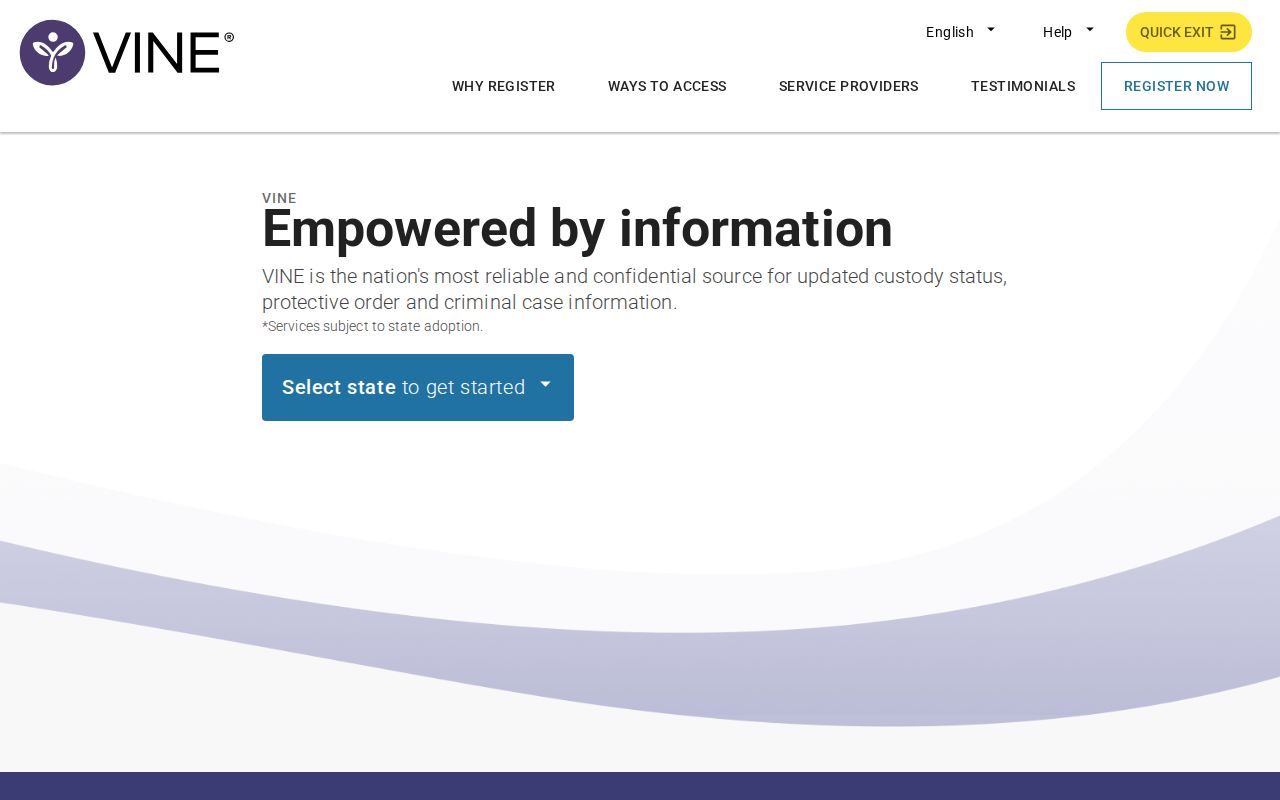
Picking Ohio sends the search into that state's participating custody systems. That step alone does not confirm a Tuscarawas County match.
Check a Tuscarawas Arrest on VINE
Start with enough identity detail to separate people who share a name. A fresh arrest may not have reached VINE yet. Someone released earlier may show a changed status rather than a current listing, so read the facility and event date on the result. If several matches appear, don't guess.
- Open VINELink and choose Ohio.
- Select the person or offender search offered by the live interface.
- Enter the full name or identification number available to you.
- Compare middle name, age, facility, and ID before opening a match.
- Read the current status and the date associated with the last listed event.
- Confirm uncertain or urgent information with the holding agency.
A blank result does not mean no arrest happened. The jail may not participate, the entry may lag, or the name may differ from the booking record. The person could also sit in another custody system. For a new county intake, the Tuscarawas County Arrested Today page works better, and the jail answers its phone.
Check your typing first. Nicknames, swapped names, and missing identifiers cause false matches. If a result names a facility outside Tuscarawas County, contact that facility directly. A transfer changes the responsible custodian even when the arrest happened locally.
Tuscarawas VINE Custody Fields
The live result always governs. Ohio's VINE material describes custody status and notification events, while the interface adds identity and facility details that help confirm a match. Not every record fills every field. The table explains which fields to inspect, without promising every record contains them all.
| Field or event | Meaning and limit |
|---|---|
| Name and identifier | Helps distinguish matches; verify spelling and identity. |
| Custody status | Reflects the reporting system’s current state, subject to delay. |
| Facility or agency | Identifies who should confirm custody or answer records questions. |
| Release | Signals a custody change, not the final court outcome. |
| Transfer | Means custody moved; follow the newly listed agency. |
| Escape or death | County events described by Ohio VINE; follow official safety guidance. |
| Event date | Shows when the source recorded a change, not necessarily when it became visible. |
VINE covers custody only. It is not a court record. For the formal outcome of a case, turn to the court docket instead.
Register Tuscarawas Custody Alerts
Alerts follow one specific record. Ohio VINE allows registration by phone or email, and the brochure recommends signing up with more than one contact method. Use contact details you control. Never enter another person's phone, email, or PIN into a shared or public screen.
- Open the correct person’s record after confirming identity and facility.
- Choose the notification option offered by the live VINE interface.
- Add an email address or telephone number you can monitor.
- For telephone registration, create the required four-digit PIN.
- Complete any confirmation step and save the service contact information.
- Add a second method if reliable notice is important.
A notification call can continue for up to 48 hours, or until the PIN is entered. Email gets one message per change. The PIN confirms receipt of a phone notice. It is not a jail password. Keep it private. The VINELink registration interface appears blank and holds no real contact data.

The empty form marks where an authorized user manages notice details. No victim's email, phone, or PIN is exposed.
Ohio VINE Phone Access
The Ohio Attorney General brochure lists the VINE line at 1-800-770-0192. TTY users can call 1-866-847-1298. Phone access helps whenever the website or app is down. The same identity checks apply. Note the facility, status, and event date the system gives you.
Ohio VINEVINELink and VINEmobile
Telephone: 1-800-770-0192
TTY: 1-866-847-1298
When VINE cannot confirm a Tuscarawas County booking, call the Sheriff's Office at 330-339-2000 or the jail at 330-339-7783. VINE cannot create or fix the county's source record.
VINE Is Not the OCN
A 2021 Ohio Courts Network status document listed the Tuscarawas County Jail as fully connected. It covered booking data and mugshot updates sent to the OCN. That history says nothing about VINE. The two systems serve different purposes and pull from different sources.
An older OCN mention covered photo transmission. It does not mean a VINE search shows a mugshot. Nor does OCN status promise release alerts. For notification mechanics, the Attorney General's VINE brochure is the authority. The OCN paper is only a historical clue. It concerns jail data exchange, nothing more.
| System | Documented role | What it does not prove |
|---|---|---|
| Ohio VINE | Custody information and registered change notices. | That every Tuscarawas booking is searchable. |
| Ohio Courts Network | Historical jail data and mugshot update exchange. | Current VINE participation or alert delivery. |
| County roster | Current custody when an official dated source is live. | Every arrest across a time range. |
ODRC Versus Tuscarawas VINE
The Ohio Department of Rehabilitation and Correction Offender Search is the cross-check. It covers state custody and supervision. Queries can run by name, offender number, status, county of commitment, residential county, ZIP code, or parole-hearing fields. It may show a state offender photo. Sentence-related data can appear too. The ODRC search displays the state system's name, status, and county controls.
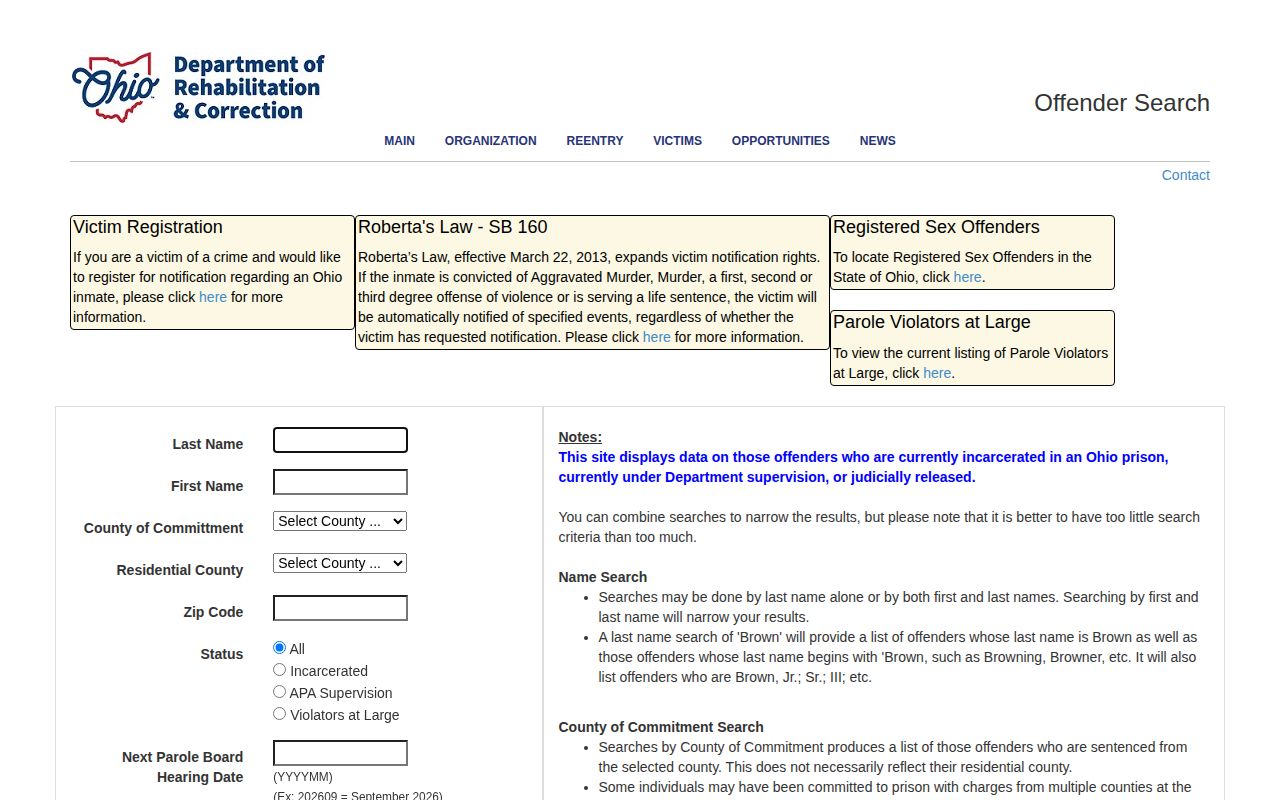
ODRC tracks people in state prison or under state supervision. A brand-new Tuscarawas County jail booking will not appear there. Updates can lag as well. Someone arrested in Tuscarawas County might stay in local custody, walk free, or never get an ODRC record at all. The reverse happens too. An ODRC match can reflect a Tuscarawas commitment, while the person is housed somewhere else entirely. Pick the lookup that fits the custody stage. ODRC cautions that its public data may miss parts of a sentencing record. It may show a last recorded address for a parole violator, rather than where that person is now. Direct any state-data corrections to ODRC, not the county sheriff. Its public information contact is P.O. Box 430, Columbus, Ohio 43216. The phone line is 614-752-1161.
Verify Tuscarawas VINE Notices
VINE has firm limits. It does not cover the federal Bureau of Prisons locator. Nor does it replace a county booking record, a police report, or a confirmed warrant. It does not substitute for what a court file shows. Fresh arrests and transfers can lag the data. A no-result screen calls for a call to the holding agency, not guesswork.
Treat every alert as a warning layer. It is not an emergency guarantee. The Ohio Attorney General says plainly: don't rely on VINE alone. Call 911 if danger is immediate. Keep a safety plan even after registering. When an alert arrives, write down the time, the event type, and the named facility. Then call that facility's official number, never a number tucked inside a surprise message. Confirming a custody change through VINELink costs nothing, because the notice program is free.
Note: VINE only relays custody events that participating systems supply, so confirm arrest details with the holding agency.